Creating from photos
How many photos do you need to create a personalized storybook?
Learn how many reference photos are useful for a personalized storybook, what makes a photo usable, and when one clear image is enough.
The short answer
One clear photo can be enough to begin a personalized storybook. What matters most is not the size of the album but whether each featured person has a visible face and recognizable features. Add another reference only when the first image is obstructed, blurry, very distant, or unlike their usual appearance.
Key takeaways
- One clear reference photo is enough to start.
- Face visibility and likeness matter more than image count.
- A group photo can work when each selected person is distinct.
- Keep the original-quality upload; avoid screenshots and heavily compressed copies.
Can one photo really be enough?
Yes. One clear image can provide the visible features needed to establish a person’s illustrated identity. Storybook Studio intentionally starts with one photo so a family can test the idea without building a photo library first.
The initial image should answer a simple question: could another person recognize the subject from this photo? If yes, it is usually a useful starting point. The system can create new poses and scenes while using the selected person as the identity reference.
This does not mean every single photo will perform equally. One strong image is more useful than ten distant or obstructed images.
What makes a good character reference photo?
A good reference shows the person’s face at a readable size, with natural lighting and limited obstruction.
| More useful | Less useful |
|---|---|
| Face is visible and in focus | Face is blurry, tiny, or turned away |
| Natural or even light | Strong shadow covers important features |
| The person looks like themselves | Costume, filter, or unusual expression dominates |
| Original image file | Screenshot of a compressed social post |
| People are visually separated | Faces overlap or are hidden behind someone else |
A full-body photo is not required, but it can help preserve broad cues such as age, hairstyle, and proportions. The person does not need to look directly into the camera if their features remain clear.
Can a group photo be used for several characters?
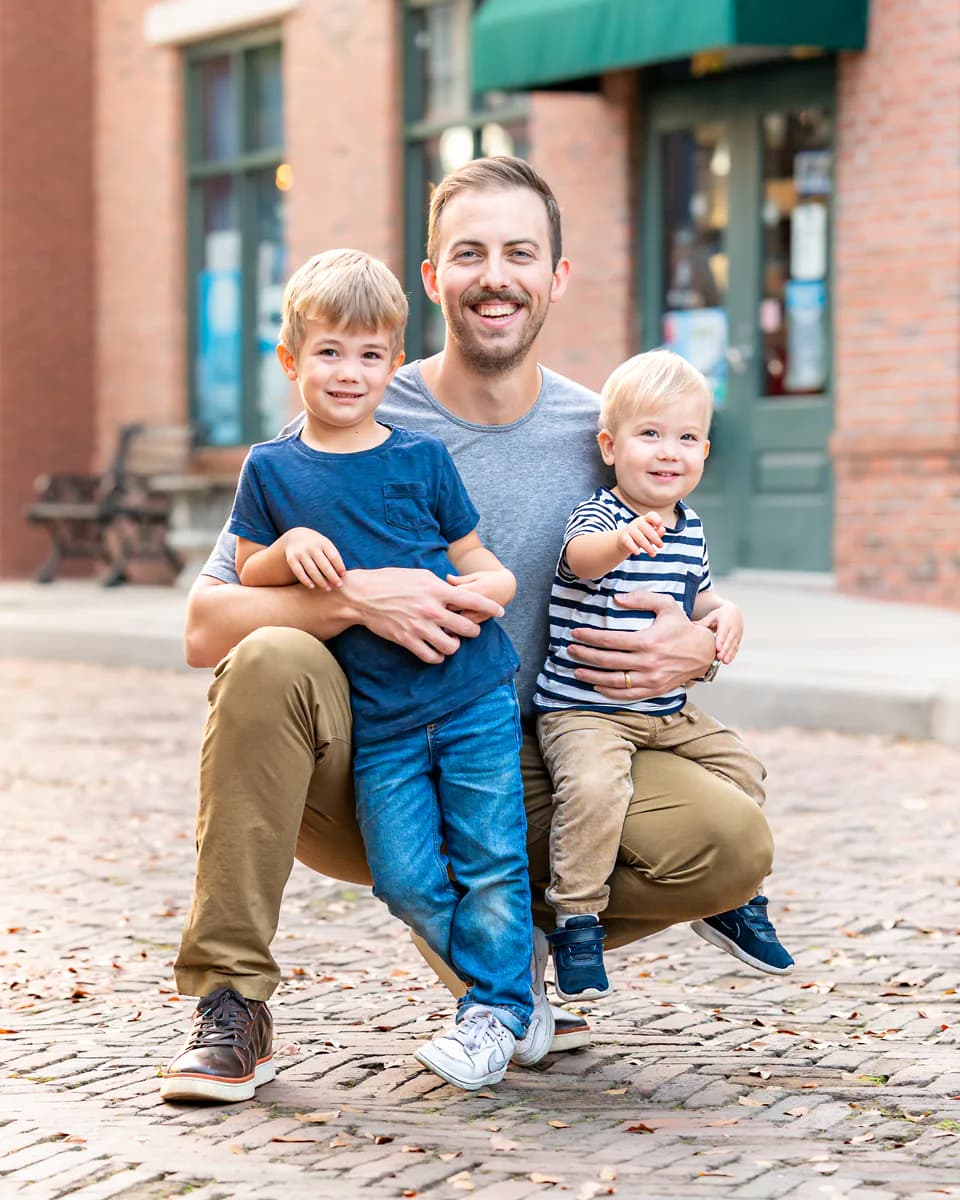
Yes, when each person can be identified separately. A group photo is often the most convenient source because it already contains the family members who will appear together.
The important interaction happens before illustration: select which detected people should become characters. Do not assume every face in the frame belongs in the book. A photographer, family friend, or background person may be present without being part of the intended story.
When two faces overlap heavily, use a second photo or a more deliberate crop. Cropping should preserve enough surrounding detail to avoid cutting through the head, chin, or hairline.
When should you use a different photo?
Choose another image when the person is not recognizable, the crop removes important facial detail, or the photo reflects an appearance you do not want repeated throughout the book.
You may also prefer a different photo when:
- Glasses, a hat, or hair cover most of the face.
- The image is a low-resolution thumbnail.
- The subject is strongly backlit.
- A baby’s face is pressed against another person.
- The selected crop includes the wrong person.
Changing the source should be an option, not a punishment. If the first illustrated character looks right to you, it is usable even if an automated signal is uncertain.
How should private family photos be handled?
Use a service that explains how uploads are stored and used. Storybook Studio’s privacy policy describes its current handling of account information, photos, and generated content. Read the policy before uploading images of children or anyone who has not chosen the service themselves.
For your own workflow, keep the original file in your private library and upload only the people needed for the book. Avoid sending sensitive documents or unrelated background information in the same image.