Creating from photos
How does Storybook Studio turn a photo into an illustrated character?
A transparent look at the steps between uploading a family photo and creating a reusable illustrated character for a personalized story.

The short answer
Storybook Studio keeps the source photo at generation quality, identifies the people in it, lets the creator choose who belongs in the story, and then creates a reusable illustrated identity for each selected person. That identity becomes the consistent reference used when the same person appears across later pages.
Key takeaways
- The original-quality source is preserved for generation rather than relying on the blurred landing preview.
- Person detection proposes candidates; the creator decides who becomes a character.
- Each selected person receives a reusable global character identity.
- A book begins from that approved global identity before adapting the character to a particular visual style.
What happens immediately after a photo is uploaded?
The application first stores a private, generation-quality copy and creates a temporary onboarding draft. A blurred local preview can appear quickly on the landing page, but that smaller preview is not the source used to generate the character.
After authentication, the draft is claimed by the new account and attached to the first book. Person detection begins while the Characters step loads. This preserves the user’s momentum without asking them to upload the same photo again.
The temporary draft is designed to expire or be consumed rather than remain as an ownerless asset indefinitely.
How is a person chosen from a group photo?
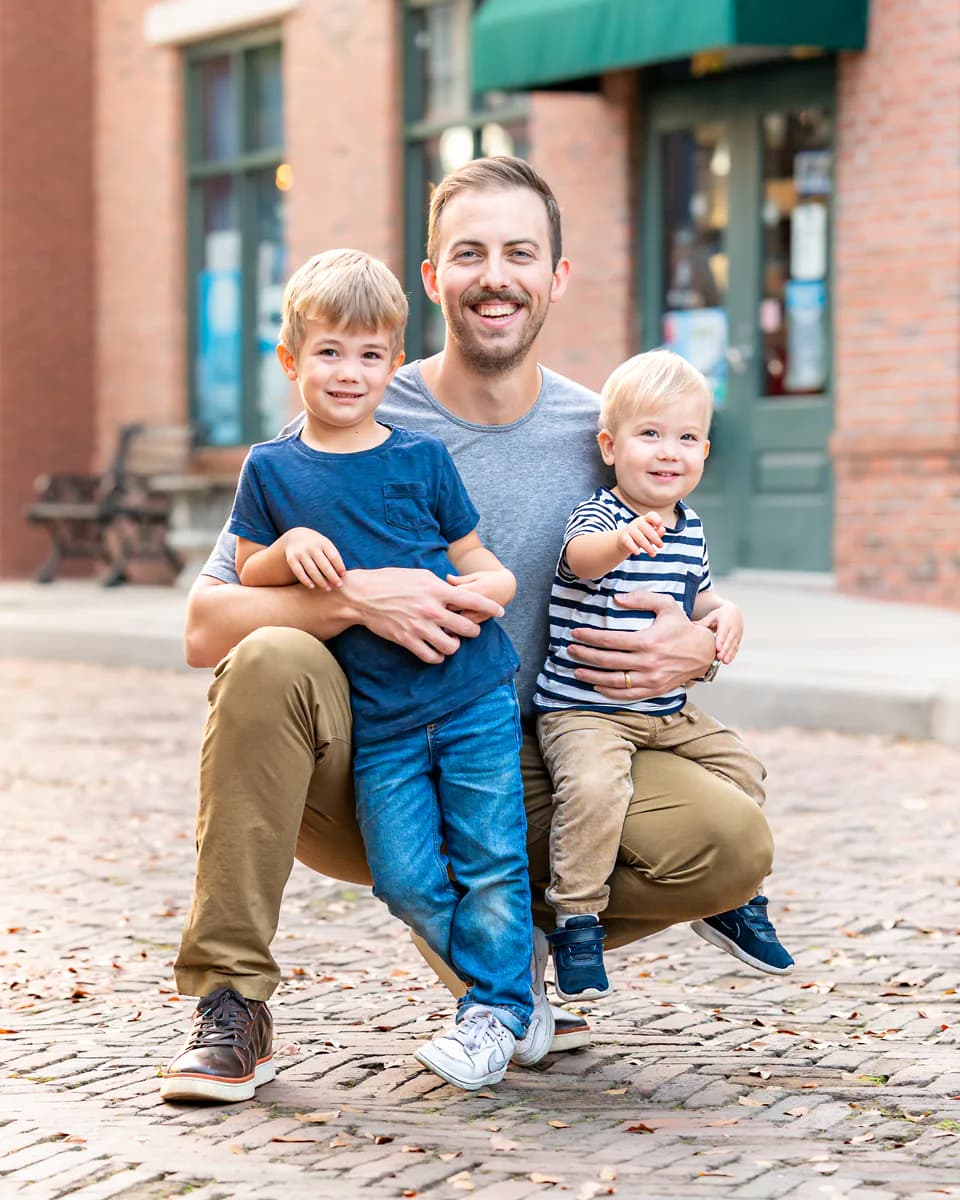
Detection identifies likely people and presents them as a stable list. The creator confirms the people who actually belong in the story, assigns names and relationships, and chooses the story’s hero.
That confirmation matters. A family photograph may include someone who should not become a reusable character, and detection alone cannot know the creator’s intent. No paid character illustration should begin until the selection is confirmed.
- Upload one clear source photo.
- Review the people found in the image.
- Select the intended cast.
- Name each person and assign their relationship.
- Choose who the story is primarily about.
- Create the characters.
How does the character stay consistent?
Each selected person receives a reusable identity in the account’s character gallery. That global character acts like a clean template: new books begin from the approved identity rather than borrowing an arbitrary old book-specific variation.
When a new story uses a different illustration style, the app can adapt the character for that book while retaining the recognizable identity. Separating the reusable identity from book-specific art prevents one experimental rendering from silently replacing the source of truth.
What information should the interface show while it works?
Long-running creation should remain visible after the user leaves the page. Storybook Studio uses a global activity indicator to summarize active work such as character creation or page illustration. Completed cards should update without requiring a refresh.
Progress language must describe what is actually happening. “3 of 3 characters ready” means something different from “3 of 20 pages illustrated.” The interface should not reverse the count or leave a “Preparing” badge after the finished art is already available.
What choices remain with the creator?
The creator can change the source photo, adjust the selected cast, regenerate a character, or edit the name and relationship. Automated checks should help the workflow recover from technical failures, but a character that looks right should not be blocked by a vague “needs attention” judgment.
Photo and generated-content handling are described in the current Storybook Studio Privacy Policy. Because the product often involves children and family members, that policy should be reviewed alongside the creative experience.